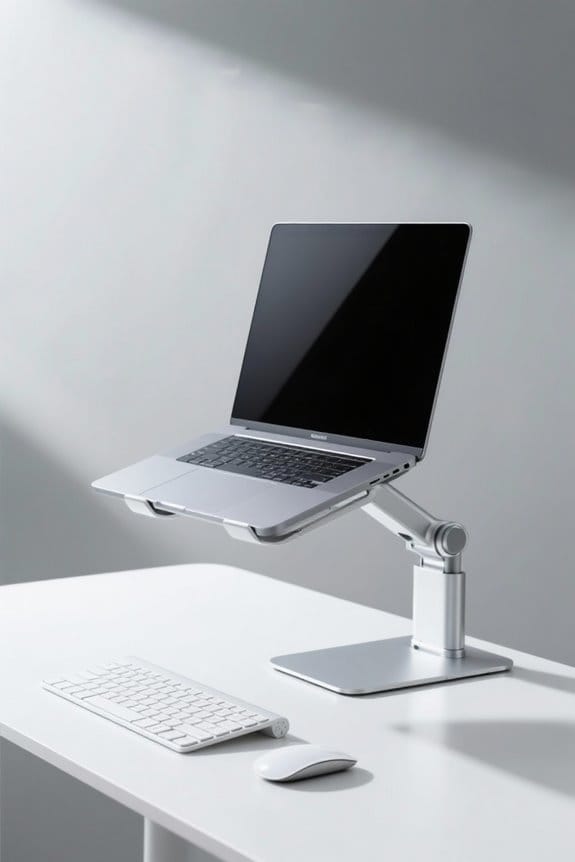
Understanding eye level and screen distance is essential for an ergonomic workstation design. The top of the monitor should align with or slightly below eye level, maintaining a viewing distance of 20 to 40 inches. This setup minimizes eye strain and discomfort. A slight tilt of 10 to 20 degrees can reduce glare. Proper positioning enhances comfort and productivity. Explore guidelines to improve your workstation’s ergonomics and learn more about the benefits of effective design.
Key Takeaways
- The top of the monitor should be positioned at or slightly below eye level for optimal comfort.
- Maintain a viewing distance of 20 to 40 inches from the screen to reduce eye strain.
- The monitor should be tilted back at about 10° to 20° to minimize glare.
- Bifocal users should position the monitor lower and inclined at 30° to 45° for better visibility.
- Proper monitor height and distance enhance overall ergonomics and workplace productivity.
The Importance of Proper Monitor Positioning
Proper monitor positioning is essential for an effective workstation design. The ideal monitor height should align the top of the screen with or slightly below eye level. This promotes a natural line of sight and minimizes neck and shoulder aches and pains. For maximum comfort, the monitor should be set at about a 15-degree angle below the horizontal line. Users should position their monitors at an arm’s length away, between 20 to 40 inches, to reduce eye strain. Additionally, for those who wear bifocal lenses, placing the monitor slightly lower and tilting it back can enhance comfort. Overall, a well-placed ergonomic monitor considerably reduces discomfort and the risk of work-related musculoskeletal disorders, fostering a healthier work environment. The use of adjustable height desks can further enhance workstation ergonomics by allowing users to easily modify their desk height to achieve optimal monitor positioning.
Factors Influencing Monitor Placement
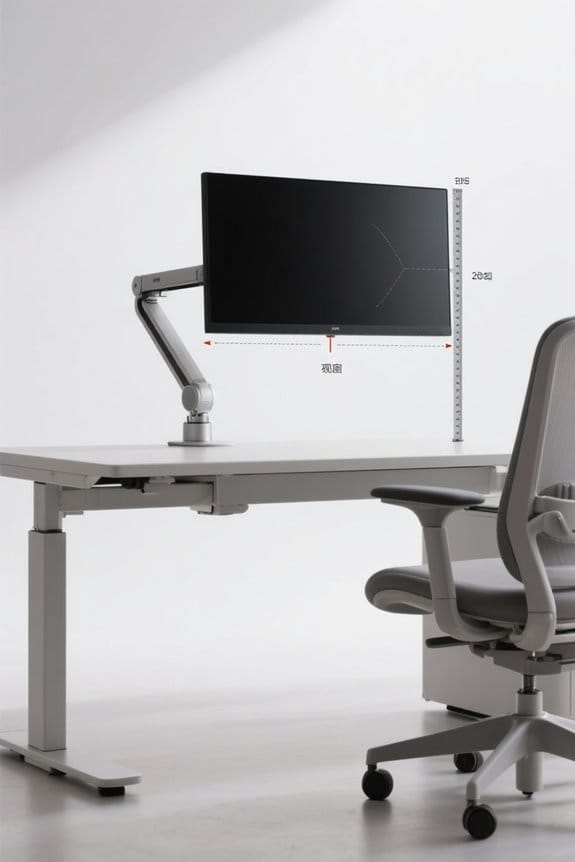
Several factors influence monitor placement, which is essential for an ergonomic workstation. Proper monitor height is imperative; the top of the screen should align with or be slightly below eye level. This positioning minimizes neck and back strain. A recommended viewing distance of 20 to 40 inches helps reduce eye strain by preventing excessive muscle fatigue. For users of bifocals, lowering the monitor and tilting it back can improve comfort. Additionally, when using multiple monitors, the edges should touch or align at slight angles, ensuring minimal twisting. Proper placement greatly reduces the risk of developing musculoskeletal problems. It is critical to assess individual needs for ideal monitor arrangement. An ergonomic setup encourages productivity and well-being in the workspace. Evaluating printer compatibility and customization options can also enhance one’s ergonomic setup by ensuring that all workstation components, including address labels, align with individual needs.
Understanding Viewing Angles for Comfort
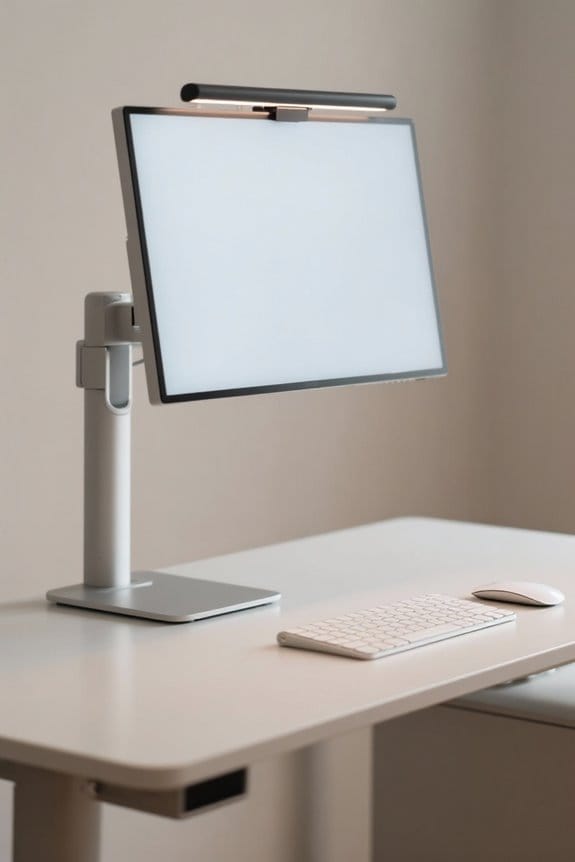
Viewing angles play a significant role in workstation comfort and productivity. The recommended viewing angle for a computer monitor is about 15 degrees below the horizontal line of sight. This position reduces eye strain and enhances comfort during use. Proper monitor height is essential; ideally, the top of the screen should be at or just below eye level. For those using bifocals, adjusting the monitor below eye level and tilting it back at a 30° to 45° angle is advisable. Additionally, maintaining an appropriate desk height allows users to keep their neck and head in a neutral position. By ensuring these ergonomic principles are followed, individuals can improve their overall experience and productivity at the workstation. Many ergonomic chairs support a weight capacity of 250 lbs or more, ensuring durability and stability for diverse body types and promoting long-term use.
Determining the Ideal Viewing Distance
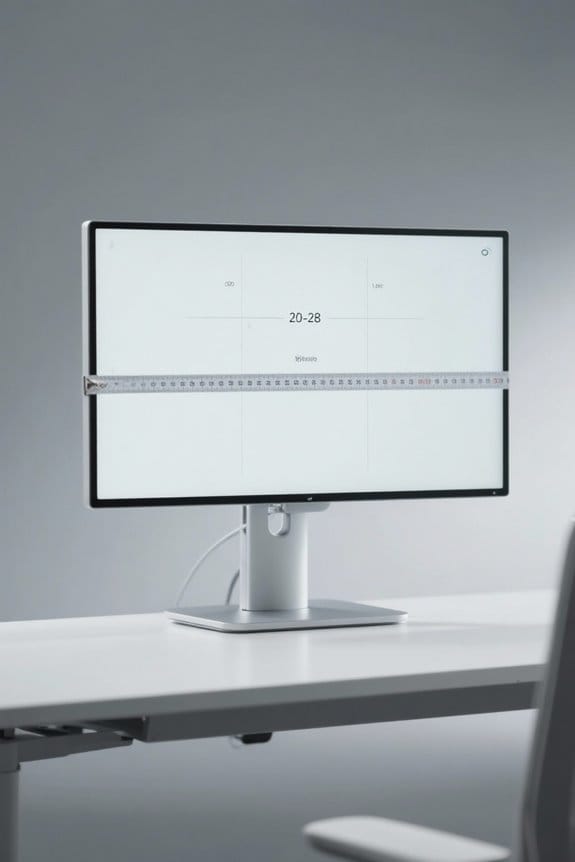
To enhance visual comfort at a workstation, understanding the ideal viewing distance for screens is essential. The ideal distance for monitors typically ranges from 20 to 40 inches (50 to 100 cm). This range helps minimize eye strain and discomfort during extended use. For many users, a preference for a viewing distance of about 30 inches is common, as it aligns with the average Default Resting Point of Accommodation. Additionally, to maintain comfort, screens should be positioned 15 degrees below eye level, allowing for better posture and reduced fatigue. Individual preferences vary, sometimes influenced by age. As a result, adjusting screen height and distance can considerably improve the ergonomic design of a workstation. Ensuring the use of breathable mesh material in office chairs also promotes airflow and enhances comfort during extended work hours.
Recommendations for Single Monitor Setups
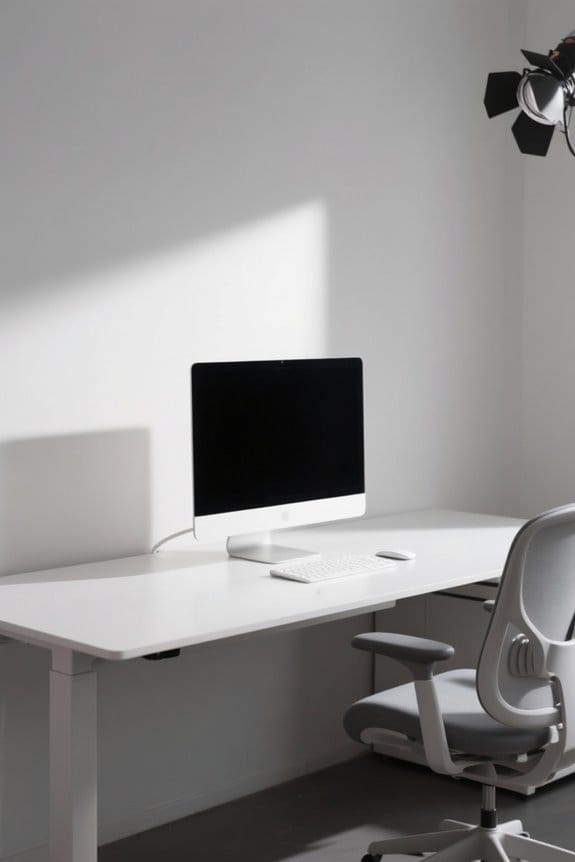
Achieving an ergonomic setup for single monitors is essential for user comfort and productivity. The top of the screen should be at or slightly below eye level, ideally 1 to 2 inches lower for bifocal users. This positioning reduces strain from looking downward. Maintain a viewing distance of at least 20 inches, or approximately arm’s length, to minimize eyestrain. Users are encouraged to tilt the monitor back at an angle of 10° to 20° to improve glare reduction. The ideal viewing angle is about 15 degrees below the horizontal line of sight. Adjustable mounts or display stands can help attain the proper height and viewing distance, enhancing alignment and posture for better ergonomics. Prioritize these recommendations for a sustainable and efficient workspace.
Configuring Multiple Monitors Effectively
Configuring multiple monitors effectively is vital for enhancing productivity and maintaining comfort in the workplace. The primary monitor should be positioned directly in front of the operator, while the secondary monitor is placed on the dominant eye side for ease of access. Both monitors must be at the same height, with the top of each monitor set at or slightly below eye level. The ideal viewing distance is between 20 to 40 inches to reduce eye strain. For best office ergonomics, the monitors can be arranged at a slight angle or in a semi-circle configuration. Regular breaks and adjustments are important to alleviate physical strain. This setup encourages a productive and comfortable working environment conducive to efficiency. Ergonomic designs across various models promote better posture, which is crucial in maintaining comfort during extended computer use.
Common Issues Related to Monitor Positioning
How can improper monitor positioning impact health? Poor monitor positioning can lead to significant discomfort and contribute to musculoskeletal disorders. Common issues include neck and shoulder pain, in addition to eyestrain. The monitor should be positioned so that the top of the screen is at or slightly below eye level. This helps maintain a neutral head posture, reducing strain. Moreover, the viewing distance should be approximately 20 to 40 inches from the eyes to the screen to minimize eyestrain. Adjusting the monitor’s tilt to 10° to 20° enhances comfort and reduces glare. For individuals using bifocals, positioning the monitor below eye level and tilting it back can improve viewing ease. Adopting ergonomic principles is essential for workstation design.
Tips for Reducing Eye Strain
Reducing eye strain is essential for anyone who spends long hours in front of a computer. Proper monitor placement can notably help. Position the monitor so that its top is at or slightly below eye level. This minimizes upward head movement and reduces neck strain. Additionally, maintain a viewing distance of 20 to 40 inches from your eyes to the screen. Tilting the monitor back between 10° and 20° can also reduce glare and improve comfort. Those who wear bifocals should keep the monitor slightly below eye level and incline it 30° to 45°. Finally, taking regular breaks every 20 to 30 minutes can help reset the eyes, reducing fatigue linked to prolonged computer use. Consider using an ergonomic chair with lumbar support to further alleviate strain and promote a healthier posture during extended work hours.
Ergonomics and Its Impact on Productivity
Ergonomics plays an essential role in enhancing productivity in the workplace. Proper workstation design, including monitor positioning at eye level, greatly impacts eye movements. By maintaining a distance of 20 to 40 inches from the screen without causing strain, employees reduce eyestrain and discomfort. This specifically lowers the risk of back pain and other work-related musculoskeletal disorders. High-quality materials ensure labels maintain their appearance and adhesion, which is crucial for long-term usability. Research shows that those who follow ergonomic guidelines experience fewer distractions, leading to increased focus and efficiency. Additionally, incorporating adjustable workstations encourages individual preferences, promoting engagement. A slight tilt of the monitor can also minimize glare, further supporting comfort. Embracing ergonomics can notably boost productivity, ensuring a healthier and more sustainable work environment for all.
Tools and Resources for Ergonomic Workstation Setup
A well-equipped ergonomic workstation markedly enhances comfort and efficiency. Tools such as monitor stands and adjustable arms are essential for positioning screens at or slightly below eye level. This setup promotes a superior viewing distance of 20 to 40 inches, which reduces muscle strain and enhances focus. Accessories like keyboard trays and footrests support proper ergonomic posture by maintaining ideal elbow and knee angles. Additionally, incorporating anti-glare screen filters and adjusting monitor tilt can minimize glare, further improving visual comfort during long hours at the computer. Resources like ergonomic training courses and the CCOHS Safe Work app offer practical guidance for creating a sustainable workstation. Investing in quality ergonomic tools guarantees productivity and well-being in any work environment. When selecting a mini fridge cabinet, consider factors such as size, storage capacity, and design to ensure it complements your ergonomic setup while providing practical storage solutions.
Frequently Asked Questions
What Is the Best Distance Between Computer Screen and Eyes?
The best distance between computer screen and eyes is 20 to 40 inches. This range minimizes screen glare, promotes proper posture alignment, reduces visual fatigue, and encourages effective workspace organization for enhanced overall comfort.
How Much Distance Should There Be Between Your Eyes and the Screen?
Studies indicate that a distance of 20 to 40 inches from the screen enhances visual comfort. Proper screen height and positioning promote glare reduction, contributing to workspace optimization and reducing eye strain during extended computer use.
Where Should My Eye Level Be on My Computer Screen?
Eye level should ideally align with the top of the screen, ensuring proper screen placement. This posture alignment, along with other ergonomic considerations, helps reduce neck strain and promotes healthier computing habits over extended periods.
What Is the 30/30 Rule in Ergonomics?
The 30/30 Rule promotes ergonomic principles by advocating a 30-second break after 30 minutes of screen use to reduce eye strain and screen glare, allowing posture adjustments that enhance overall comfort and productivity during prolonged tasks.