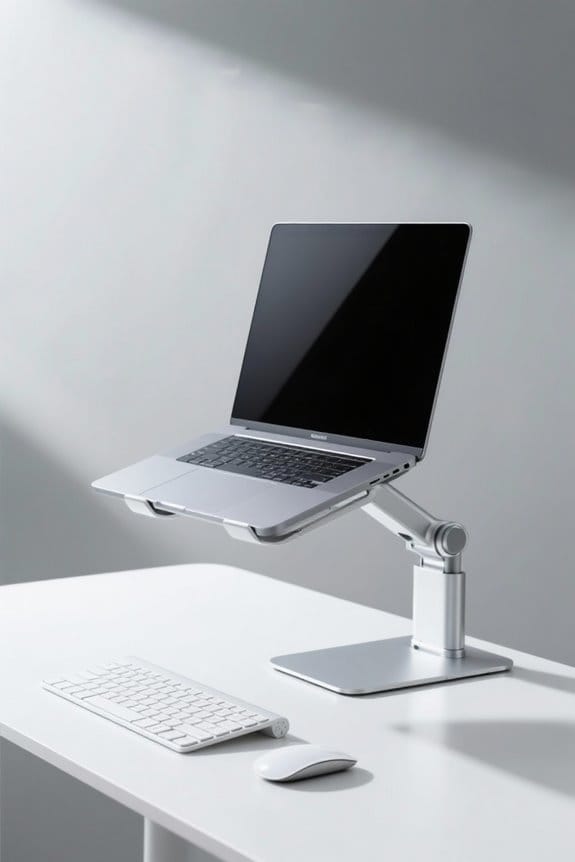
To reduce strain at the desk, position arms with elbows bent at a 90-degree angle and forearms parallel to the floor. Keep the keyboard at elbow height to avoid reaching, promoting neutral wrist alignment. The mouse should be close to the keyboard, enhancing comfort and reducing discomfort. Utilize ergonomic tools like adjustable chairs and wrist rests for ideal support. Implement regular breaks and light exercises to improve posture and circulation. Discover more helpful tips for a healthier workspace.
Key Takeaways
- Keep forearms parallel to the floor with elbows bent at a 90-degree angle for optimal arm positioning.
- Ensure your wrists are flat and aligned with your forearms to maintain a neutral wrist position.
- Position your keyboard and mouse at the same height to avoid overreaching and shoulder discomfort.
- Use a keyboard tray with a slight negative tilt for better wrist alignment and reduced strain.
- Take breaks every 20-30 minutes to relax muscles and improve posture, incorporating light stretching exercises.
Understanding Desk Ergonomics
Understanding desk ergonomics is crucial for anyone who spends long hours working at a computer. Proper posture begins with positioning forearms parallel to the floor and elbows at a 90-degree angle. This alignment helps reduce strain on muscles and joints. The keyboard height should allow for a neutral wrist position, avoiding harmful bends. Mouse positioning is also critical; it should be close to the keyboard and within easy reach. In addition, monitor alignment is essential, as it should be at eye level and an arm’s length away. Frequent breaks can help alleviate tension, while ergonomic equipment can enhance overall comfort. Regular adjustments to workstation setup can prevent repetitive strain injuries, promoting a healthier work experience for users. Many ergonomic keyboard trays support between 10 to 20 pounds, accommodating standard setups and ensuring stability for your keyboard and accessories.
Ideal Arm and Wrist Positioning

Proper arm and wrist positioning at the desk plays a significant role in overall comfort and productivity. To minimize strain, make certain the forearms are parallel to the desk with elbows at a 90-degree angle. Keep wrists in a neutral position—flat and aligned with forearms—to help prevent wrist pain and reduce the risk of carpal tunnel syndrome. Regarding keyboard placement, it should have a slight negative tilt for best wrist alignment. Position the mouse at the same height as the keyboard for easy access, reducing overreaching. Additionally, remember to take breaks every 20-30 minutes to stretch hands and wrists, promoting good posture and alleviating tension. Using a wrist rest can also enhance comfort during prolonged mouse use. Adjustable height desks offer ergonomic benefits, allowing users to switch between sitting and standing, thereby enhancing comfort and productivity through better posture options.
Optimizing Your Workspace Setup

When setting up a workspace, it is essential to create an ergonomic environment that enhances productivity and comfort. Position the keyboard and mouse at elbow height to maintain a 90-degree angle at the elbows. This setup guarantees forearms remain parallel to the floor, reducing strain. Keep the keyboard close enough to avoid reaching, which can lead to shoulder and wrist discomfort. A keyboard tray with a slight negative tilt promotes a neutral wrist position. Furthermore, verify the mouse is level with the keyboard for easy access. Regular chair adjustment and desk height modifications support good posture, allowing feet to rest flat on the floor. These practices contribute to reducing strain caused by repetitive motions, enhancing overall well-being. High-density materials in seat cushions can further enhance comfort by providing support and promoting proper posture during long hours at the desk.
Importance of Regular Breaks and Exercises

Regular breaks and exercises play an important role in maintaining ergonomic health. Taking regular breaks every 30 minutes can greatly reduce strain by allowing muscles to relax from repetitive tasks. During these breaks, individuals should engage in light stretching to improve blood circulation and flexibility. Simple wrist and hand exercises, such as wrist rotations and finger extensions, can strengthen muscles and enhance overall joint health. A brief walk can refresh the mind and improve posture, reducing discomfort from static positions. Implementing the 20-20-20 rule can also help prevent eye strain. Investing in quality mats promotes better health and productivity in various work environments, as these mats improve comfort and reduce fatigue during extended standing periods. By prioritizing these practices, workers can effectively alleviate tension and combat ergonomic strain, ultimately fostering a healthier work environment. Regular breaks and exercises are crucial for long-term well-being.
Utilizing Ergonomic Tools and Accessories

Ergonomics plays an essential role in creating a comfortable workstation. Utilizing an ergonomic keyboard and mouse promotes a neutral wrist position that can greatly reduce elbow strain and the risk of carpal tunnel syndrome. These tools are designed to keep the hands aligned, minimizing discomfort during extended use. Wrist rests and support pads help maintain a neutral wrist position while typing, lowering the chances of repetitive strain injuries. Additionally, adjustable input devices cater to personal comfort preferences, allowing users to optimize their setup. For those looking to further reduce tension on forearm muscles, trackball mice can limit repetitive wrist movements. Overall, investing in these ergonomic tools is vital for promoting a healthy posture and enhancing workplace productivity. A mesh chair with adjustable lumbar support can further enhance ergonomic alignment and comfort for long hours at the desk.
Frequently Asked Questions
How to Sit at Desk to Avoid Wrist Pain?
To avoid wrist pain, one must master desk setup nuances: an ergonomic chair, proper keyboard height, strategic mouse placement, and mindful hand positioning. Regular stretching exercises and posture correction transform productivity tips into a pain-free gaming setup experience.
How Should Arms Be Positioned at a Desk?
Arms should be positioned for ideal body alignment using ergonomic chairs, ensuring keyboard placement allows for forearm support. The mouse position promotes shoulder relaxation, while desk height aids in proper hand positioning and encourages wrist exercises for longevity.
What Angle Should Your Wrists Be at a Desk?
“An ounce of prevention is worth a pound of cure.” Maintaining wrist alignment at a typing angle of 0 to 15 degrees promotes ergonomic keyboard use, ensuring proper mouse placement, arm rest support, and effective posture adjustments.
What Is the 20/8-2 Rule?
The 20/8-2 rule encourages work breaks: every 20 minutes, take 20 seconds to reduce eye strain, and every 2 hours, take 8 minutes to enhance productivity, improve health, posture awareness, and stress relief.