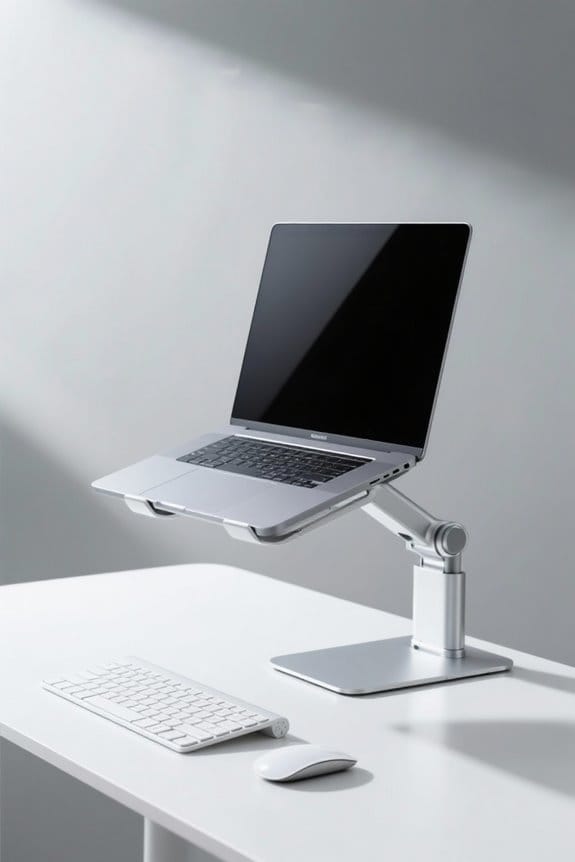
Proper keyboard and mouse placement is essential for comfort and efficiency. Position the keyboard about 5 cm from the desk edge to guarantee a relaxed shoulder position. The mouse should match the keyboard height and be placed close, shoulder-width apart. This setup minimizes strain on wrists and promotes better posture. Regular adjustments and breaks support long-term health. For more in-depth information on creating a sustainable workspace, further exploration of ergonomic practices is advantageous.
Key Takeaways
- Position the keyboard about 5 cm from the desk edge to maintain a neutral wrist angle while typing.
- Align the mouse at the same height and close to the keyboard to minimize wrist strain and stretching.
- Keep the keyboard and mouse shoulder-width apart to support balanced arm positioning and reduce fatigue.
- Regularly adjust the keyboard height and take breaks every 30 minutes to promote comfort and decrease tension.
- Use ergonomic devices and a spacious mouse pad to enhance natural hand positions and facilitate smooth movements.
Understanding Ergonomics for Keyboard and Mouse Use
Ergonomics plays an essential role in keyboard and mouse use, significantly impacting user comfort and efficiency. Proper keyboard and mouse positioning is vital for preventing health problems related to repetitive strain. Users should place the keyboard directly in front of them, about 5 cm from the desk edge, to maintain a neutral position. This alignment allows for relaxed shoulders and natural forearm positioning. The mouse should be positioned at the same height as the keyboard to promote ease of access and reduce twisting movements. Compact keyboards can enhance mouse positioning by drawing the mouse closer, maintaining shoulder and arm neutrality. Regular adjustments to desk height, along with taking breaks to stretch, are essential ergonomic tips for a sustainable workspace. Using a high back mesh design office chair can further enhance ergonomics by promoting airflow and preventing sweat accumulation during extended use.
Importance of Proper Keyboard Height

Proper keyboard height holds significant importance for user comfort and efficiency in computer use. Confirming that the keyboard aligns with the user’s elbows promotes a relaxed shoulder position while typing. This positioning reduces the risk of wrist and forearm strain, thereby helping to reduce repetitive strain injuries. The ideal setup keeps the keyboard about 5 cm from the desk edge, allowing for better arm positioning and minimizing unnecessary stretching. An ergonomic keyboard position not only enhances posture but also boosts comfort during prolonged computer use, ultimately improving productivity. Regular adjustments to keyboard height contribute to long-term health and wellbeing. To guarantee maximum typing efficiency, users should prioritize proper keyboard height for a sustainable and comfortable workspace. Additionally, adjustable height desks enhance work experience by allowing users to switch between sitting and standing, which can further promote ergonomic benefits and productivity.
Optimal Mouse Positioning
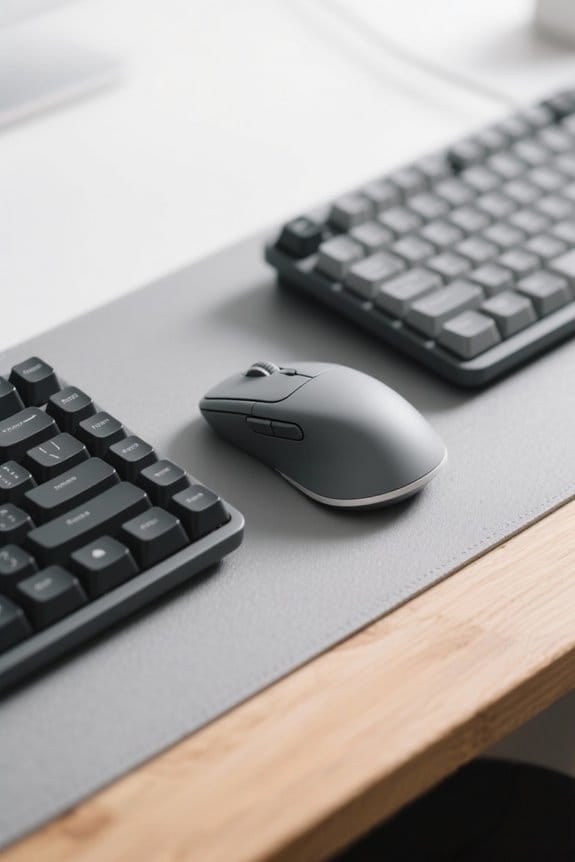
Mouse positioning plays a critical role in creating an ergonomic workspace. The mouse should be at the same height as the keyboard to maintain a neutral wrist posture. An ideal position keeps the mouse alongside the keyboard, ensuring it is shoulder-width apart. This arrangement minimizes arm stretching and promotes balanced posture. A spacious mouse pad is important as it allows smooth shifts between the keyboard and mouse without frequent lifting. While using the mouse, the upper arms should remain close to the body, and wrists must be straight for optimal ergonomics. Placing the mouse directly in front of the keyboard can further enhance access and alignment. Proper mouse positioning greatly reduces the risk of strain and discomfort. To ensure long-term comfort while working, consider high-density or memory foam cushioning in your office chair to provide tailored support and reduce back strain.
Best Practices for Desk Placement

Creating an ergonomic desk setup is vital for maintaining comfort and productivity. Proper placement of the mouse and keyboard can greatly reduce the risk of back pain and carpal tunnel syndrome. Position the computer keyboard approximately 5 cm from the desk’s edge to guarantee comfortable wrist alignment. Place your mouse close to the keyboard, maintaining the same horizontal plane to reduce arm strain. Align both devices shoulder-width apart to support balanced arm positioning. This setup encourages straight wrists and forearms parallel to the floor, enhancing overall comfort. Additionally, consider using a keyboard tray for ideal height adjustment. Many ergonomic keyboard trays include adjustable mouse platforms to accommodate ergonomic usage. Verify ample legroom under the desk, allowing for comfortable seating and unrestricted movement. Prioritize ergonomic craftsmanship for a healthier workspace.
Tips for Reducing Strain on Hands and Wrists

Reducing strain on hands and wrists is crucial for anyone who spends extended periods typing or using a mouse. To promote health, position the keyboard at elbow height, which keeps wrists straight while typing. Confirm the keyboard is about 5 cm from the desk edge to support a natural wrist angle. Keep the mouse at the same height and close to the keyboard, minimizing arm stretching and facilitating easier access during use. Regular breaks every 30 minutes are important; they allow for hand rest and arm exercises to relieve tension. Finally, use an ergonomic keyboard and mouse designed to encourage a natural hand position, greatly decreasing strain and helping to prevent conditions like carpal tunnel syndrome. Prioritize comfort and health. Moreover, consider using ergonomic chairs with lumbar support and other adjustable features to further reduce tension during prolonged computer use.
Setting Up Your Gaming Station Ergonomically
Effective gaming station setup is vital for both comfort and performance. Position the keyboard directly in front of the user, at elbow height, to maintain a natural position for wrists and forearms. The mouse should be placed alongside the keyboard, ideally shoulder-width apart, providing easy access without excessive stretching. Using an external mouse enhances control during gameplay; a spacious mouse pad will allow for fluid movements. Monitor placement is essential; it should be at eye level and about an arm’s length away to reduce neck strain. Adjust chair height accordingly to support this alignment. Finally, remember to take regular breaks every 30 minutes. For an added layer of comfort, consider using a leather mouse pad with ergonomic features to reduce wrist strain during extended gaming sessions. Following these tips in this article will guarantee a more enjoyable gaming experience and minimize fatigue while using a computer.
Choosing the Right Accessories for Comfort
When selecting accessories for comfort, it is essential to prioritize ergonomic designs that promote health and efficiency. Ergonomic keyboards, especially split designs with wrist cushioning, help prevent muscle fatigue by improving hand positioning while typing. Users should select a mouse that fits comfortably in their hand, such as a vertical mouse, to maintain a neutral wrist position. Adjustable wrist rests support the natural curvature of the wrist while using a mouse or keyboard. Additionally, compact keyboards allow users to keep the mouse closer, which helps reduce shoulder strain. To maximize comfort, make sure to adjust the height of your setup. Investing in high-quality ergonomic accessories can greatly enhance long-term health and prevent repetitive strain injuries. A strong adhesive label maker tape ensures that labels remain intact on surfaces, contributing to organized and efficient workspaces.
Frequently Asked Questions
How Should Keyboard and Mouse Be Positioned?
An ergonomic setup requires the keyboard and mouse at elbow height, ensuring wrist support and hand positioning for typing comfort. Align them with the monitor, and maintain proper desk height to enhance overall posture and reduce strain.
What Are the 4 Posture Rules for Keyboarding?
For ideal keyboarding, maintain an ergonomic setup with correct hand alignment, guarantee wrist support by keeping wrists straight, adopt proper sitting posture, and focus on typing efficiency, maximizing health benefits while reducing strain.
Is It Better to Have the Keyboard Flat or Raised?
Determining whether to keep the keyboard flat or raised depends on ergonomic benefits, hand positioning, and typing comfort. Users should consider surface height and personal preference to minimize wrist strain during extended typing sessions.
Where to Put Mouse and Keyboard?
The mouse should be aligned with the keyboard height, maintaining appropriate wrist support, while ensuring a comfortable arm angle. A proper desk setup enhances screen alignment, promoting an ergonomic experience for users during prolonged use.